Browse academies
Search by name, filter by city, and discover academies nearby, with verified and active status on the listing.


Süwag Energie ARENA | Infinity ∞ Arena

 Satsuki ODO
Süwag Energie ARENA | Infinity ∞ Arena

 Satsuki ODO
Süwag Energie ARENA | Infinity ∞ Arena
Satsuki ODO
Süwag Energie ARENA | Infinity ∞ Arena
Satsuki ODO
Süwag Energie ARENA | Infinity ∞ Arena
Satsuki ODO
Süwag Energie ARENA | Infinity ∞ Arena
Satsuki ODO
Süwag Energie ARENA | Infinity ∞ Arena
Satsuki ODO


Run the academy from one place: players, coaches, classes, fees, attendance, announcements, and reports. Players can find the academy by name, city, or nearby location.

Players enroll into a class, fee plan, and time slot. The academy approves them, moves them between classes, and opens trial classes before a full enrollment.

Collect fees online, in cash, or by UPI. Keep payment history, academy expenses, and player expenses together, and renew the academy license monthly or yearly.
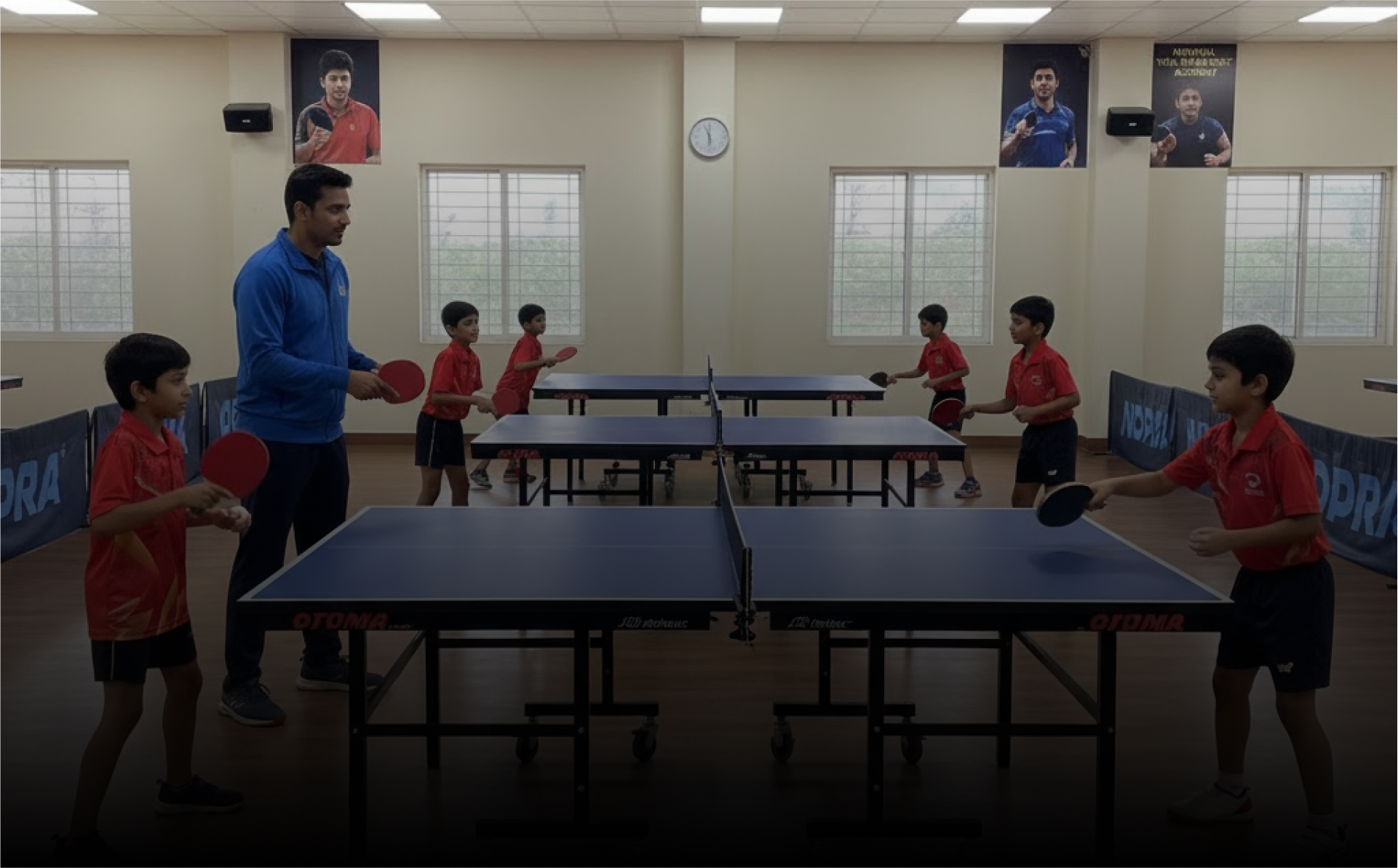
Mark daily attendance, let players see their own record, and open a front-desk kiosk so check-in does not depend on one phone.

Assign and approve coaches, publish academy rankings, post announcements, and keep a discussion thread so players and staff stay on the same plan.
Everything the academy owner, coach, and player use on TT Stars today — from discovery to the daily desk.
Search by name, filter by city, and discover academies nearby, with verified and active status on the listing.
Photos, contact, location, class types, fee plans, coaches, and the weekly schedule in one public page.
A player picks a class, fee, and time slot. The academy approves, changes the class, or unenrolls.
Offer a limited trial before full enrollment, with the remaining trial count shown to the player.
Build and edit the class timetable, and open it by day for coaches and players.
Create slots, exclude times that are not available, and keep distinct slot views for enrollment.
Assign coaches to the academy, approve them, and remove them when the roster changes.
Record attendance for approved players and let each player see their own history.
A dedicated check-in screen at the academy so attendance does not sit on one staff phone.
Post academy-wide updates and keep a discussion so schedule or fee changes do not live in chat groups.
Record online, cash, and UPI payments against the fee plan, with a payment history for each player.
Track academy expenses and player-level expenses beside fee income.
Fee and operations reports for the owner, including monthly views of who has paid.
Rank players inside the academy so progress is visible to coaches and students.
Monthly or yearly academy license with a clear tax breakdown and online checkout.
The owner runs the academy. Coaches see the students, schedule, and progress they are assigned to.
Watch these quick guides to get your academy and coach profiles up and running on TT Stars.